
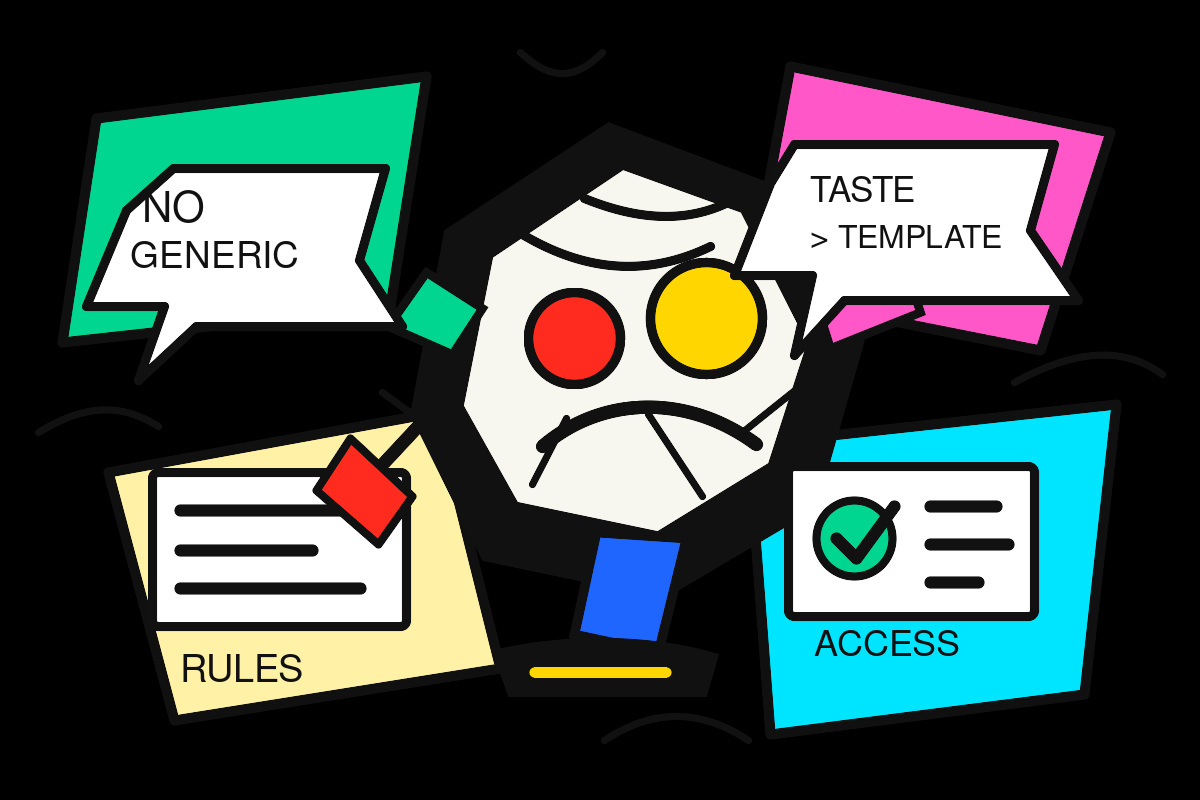
Most AI-generated design still looks like AI-generated design.
You know the pattern: oversized rounded cards, soft gradients, generic SaaS layouts, decorative filler, vague copy, and a page that feels polished for five seconds until you realize it could belong to any company in any industry.
That is the problem the open-source claude-design-system-prompt project is trying to solve.
The repository describes itself as a reverse-engineered system prompt and skill library that turns an LLM into an opinionated, accessibility-aware design collaborator. The important part is not the prompt itself. The important part is the shift in thinking: AI design is moving from “generate me a page” to “work inside a design system, make judgment calls, and reject low-quality defaults.”
That matters for every business using AI to build websites, landing pages, ads, pitch decks, apps, or brand assets.
AI Design Has a Taste Problem
The average AI design tool is good at producing something fast.
It is not always good at producing something appropriate.
A local contractor, a luxury restaurant, a B2B software company, and a medical practice should not all get the same glowing gradient homepage with three cards and a vague “Transform Your Business” headline.
But that is often what happens when the prompt is weak. The model fills the page. It does not necessarily understand what should be removed, what should be emphasized, what should feel premium, what should feel practical, or what would make the customer trust the business.
That is why better prompting is not only about more detailed instructions. It is about encoding standards.
Good AI design instructions should answer questions like:
- What visual cliches should we avoid?
- What accessibility rules are non-negotiable?
- How should spacing, typography, hierarchy, and interaction states be handled?
- When should the AI ask for brand context instead of inventing one?
- How should the AI review its own work before calling it finished?
That is a different level of prompt.
It is not a request. It is an operating system for taste.
The Best Part of the Prompt Is What It Rejects
The project is blunt about common AI design failures. It pushes against generic SaaS-template output, unnecessary filler, weak decorative visuals, poor accessibility, and arbitrary design choices.
That rejection is the most useful lesson.
Most businesses using AI for content or design focus on what they want the model to create. Fewer define what the model should never produce.
That is a mistake.
If you want better AI output, you need negative taste. You need to tell the system what bad looks like.
For example:
- Do not use filler sections just to make a page feel complete.
- Do not add icons unless they clarify something.
- Do not use gradients as visual wallpaper.
- Do not create fake stats.
- Do not ignore keyboard navigation and focus states.
- Do not invent a visual identity when the business already has one.
- Do not treat accessibility as an afterthought.
These rules are not cosmetic. They protect the brand.
Bad AI design does not just look generic. It makes a business look generic.
Design Systems Beat One-Off Pages
The real insight is that AI should not be treated as a page generator.
It should be treated as a system collaborator.
A page is temporary. A design system compounds.
If an AI helps define reusable buttons, cards, forms, spacing, typography, colors, states, and content rules, every future page gets easier and more consistent. The business stops reinventing the wheel every time it needs a landing page, service page, ad creative, or lead capture flow.
That is especially important for small businesses and local brands.
Most local businesses do not lose because they lack a website. They lose because their digital presence is inconsistent. The homepage says one thing, the service pages say another, the ads use different language, the booking flow feels disconnected, and the brand never builds recognition.
A design system fixes that.
AI can help build it, but only if the AI is instructed to think in components, patterns, and constraints.
Accessibility Is Becoming a Competitive Advantage
One of the strongest parts of this design prompt is its focus on accessibility: semantic HTML, keyboard navigation, focus states, contrast, reduced motion, labels, and screen reader support.
That should not be treated as a technical footnote.
Accessibility is conversion optimization.
A website that is easier to read, easier to navigate, clearer on mobile, and more predictable in its interactions will perform better for more users. It also signals professionalism. Customers may not know why a site feels trustworthy, but they feel the difference when forms behave correctly, buttons give feedback, text is readable, and the page has a clear hierarchy.
Most AI-generated pages skip these details unless forced to care.
That is why accessibility needs to be built into the system prompt, not added later as a checklist.
What Businesses Should Take From This
You do not need to copy this repository into your workflow to learn from it.
The lesson is simpler: if you are using AI to create marketing assets, you need standards before speed.
The fastest way to produce mediocre work is to ask AI for output without giving it taste, constraints, brand context, and review criteria.
A better workflow looks like this:
- Define the business goal.
- Feed the AI real brand context.
- Give it examples of what good and bad look like.
- Require accessibility and mobile checks.
- Ask it to remove filler.
- Make it explain the hierarchy.
- Review the output against a clear quality bar.
- Turn repeated patterns into reusable assets.
That is how AI starts producing work that feels less like a template and more like a brand.
The Bigger Shift
AI is making average execution cheap.
That means average execution is becoming less valuable.
The advantage now moves to the people and businesses that can direct AI with better judgment. Better taste. Better constraints. Better systems. Better review loops.
The companies that win with AI design will not be the ones generating the most pages.
They will be the ones building the strongest creative systems.
The claude-design-system-prompt project is interesting because it points in that direction. It treats the AI less like a magic design button and more like a junior designer that needs standards, context, and a strong creative director.
That is the right model.
AI can create fast. But someone still has to know what good looks like.