
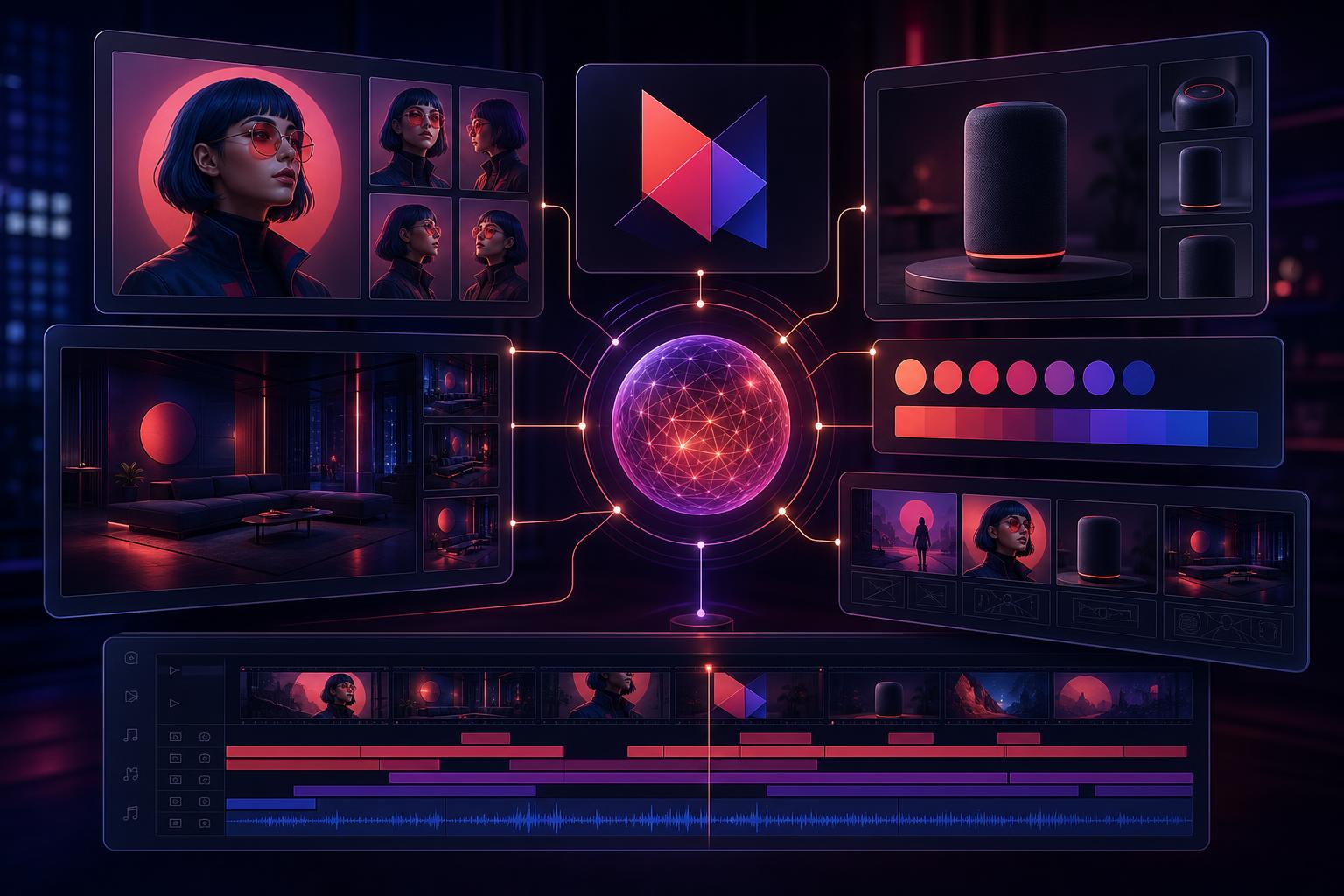
Generative AI can produce impressive images, but maintaining a consistent character, product, setting, or brand identity across multiple creations remains difficult. Adobe’s redesigned Firefly AI studio aims to solve that problem by giving its AI persistent creative context.
Launched in private beta on June 18, 2026, the new experience introduces reusable assets, organized projects, brand kit generation, and faster video production tools. Together, these additions move Firefly closer to becoming a complete AI-powered creative workspace rather than a collection of individual generators.
Firefly Can Now Remember Creative Elements
One of the most important additions is a feature called Elements.
Elements allows creators to save characters, objects, and locations they have already designed. Each element can be named and reused across Firefly and Firefly Boards.
For example, a creator could upload reference images for a character named Charlie and an environment called “Charlie’s bedroom.” Future prompts could reference those names directly instead of repeatedly describing every visual detail.
This addresses one of generative AI’s biggest weaknesses: consistency. AI tools often produce a slightly different character, product, or background every time they generate an image. Saving approved elements gives creators a better chance of preserving the same visual identity across advertisements, social posts, storyboards, and campaigns.
Projects Keep Assets and Context Together
Adobe is also introducing Projects, a workspace that stores generations, assets, instructions, and creative context in one location.
Instead of hunting through folders or rebuilding prompts, users can return to a project and continue working with the same materials and visual direction.
Projects could be particularly useful for agencies and marketing teams managing multiple brands. Each client could have a dedicated workspace containing approved logos, colors, characters, product references, and campaign concepts.
The result is a more organized workflow with less time spent recreating previous work.
Adobe Firefly Can Generate Complete Brand Kits
The Firefly AI assistant can now generate basic brand kits from a description of a company and its preferred style.
These kits can include:
- Logo concepts
- Brand color palettes
- Visual styles
- Supporting creative assets
A new company could describe its audience, personality, and industry, then use Firefly to quickly explore several possible brand directions.
This does not eliminate the need for an experienced brand designer. A strong brand involves positioning, differentiation, messaging, typography, usability, and strategic judgment—not merely a logo and a few colors.
However, AI-generated brand kits can accelerate the early exploration process. Designers can begin with multiple concepts, identify promising directions, and then refine the strongest option manually.
New Video Tools Accelerate First Drafts
Adobe is also expanding Firefly’s video production capabilities.
The Quick Cut feature can assemble uploaded clips into an initial edited sequence. Creators can then refine the timing, transitions, audio, and narrative themselves.
Firefly can also:
- Generate video storyboards
- Transform still images into short videos
- Convert storyboard concepts into moving scenes
- Assemble footage into draft edits
These tools are designed to reduce the time required to get from an idea to a workable first draft.
For marketing teams, that could make it easier to repurpose product images, campaign designs, and existing footage into social media videos. The AI handles some of the repetitive assembly while the creator retains control over the final edit.
The Bigger Shift: AI With Persistent Context
The most significant part of Adobe’s announcement may not be any single generation feature. It is the introduction of persistent creative memory.
Most AI design workflows begin from scratch. Users repeatedly upload references, explain brand requirements, and describe what previously generated assets should look like.
Firefly’s Elements and Projects features change that model. The system can retain reusable components and project context, making each new request part of an ongoing creative process.
The next generation of AI tools will not simply respond to isolated prompts. They will remember approved assets, understand project history, and help users continue work over time.
AI as a Creative Partner, Not a Replacement
Adobe describes Firefly as a collaborative partner that can adapt to different creative workflows.
Some users may produce entire projects through conversational prompts. Professional designers may use the assistant primarily for ideation, organization, and repetitive production work before moving into Photoshop, Illustrator, Premiere Pro, or another Creative Cloud application for detailed refinement.
That flexibility is important. Creative professionals rarely need a tool that makes every decision for them. They need tools that remove friction without eliminating control.
What Adobe’s Firefly Update Means for Businesses
For businesses and marketing teams, the redesigned Adobe Firefly AI studio could deliver several practical benefits:
- More consistent brand visuals across campaigns
- Faster development of creative concepts
- Easier organization of client and project assets
- Quicker production of social video drafts
- Less repetitive prompting and reference uploading
- A smoother path from AI generation to manual editing
The strongest results will still depend on human strategy and creative direction. AI can assemble assets, suggest visual identities, and generate drafts, but it cannot independently determine whether a campaign is distinctive, persuasive, or strategically right for the market.
The Bottom Line
Adobe is turning Firefly from a collection of generative tools into a persistent creative environment.
By remembering characters, settings, objects, and brand assets, Firefly can help teams maintain visual consistency while reducing repetitive work. Its new brand and video features also shorten the distance between an initial idea and an editable first draft.
The future of creative AI may be determined by which platform best remembers the project, understands the brand, and helps human creators turn ideas into finished work.
Source: The Verge — Adobe’s redesigned AI studio remembers what your creations look like