
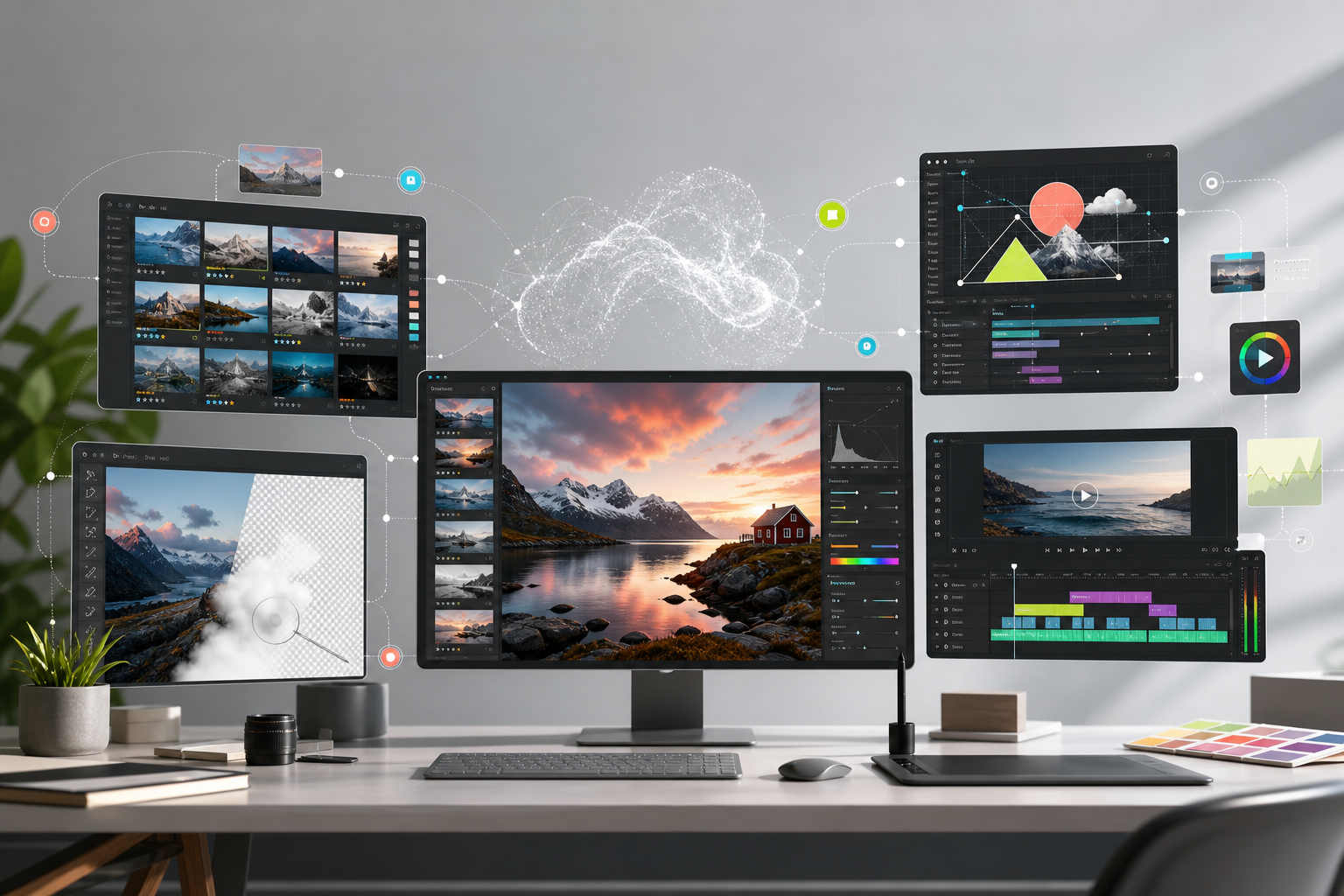
Adobe’s newest Creative Cloud updates are easy to read as a product roundup: a sharper tool here, a faster mask there, a little AI sprinkled across the suite.
That undersells what is happening.
According to AppleInsider’s coverage of Adobe’s latest rollout, Lightroom, Premiere, After Effects, and Photoshop are all getting new features that push AI deeper into ordinary creative production. Not as a separate app. Not as a chatbot on the side. Inside the tools creative teams already use every day.
The important shift is not that Adobe added more AI. It is that AI is becoming part of the default creative workflow.
The feature list tells a bigger story
In Lightroom, Adobe is adding assisted culling so photographers can filter images by practical signals such as open eyes and sharpness. It is also bringing in Photo to Video, powered by Firefly and Google Veo, so still images can become short motion clips for b-roll or social content. AI Sharpen uses Topaz Labs’ model to recover fine detail in subjects like petals, fur, and foliage.
Premiere’s update is more workflow-heavy. Editors get tools like global audio mute, marker search across open projects, word-level caption editing, new transitions, texture effects, and AI-improved object masking. None of that sounds like a moonshot. That is the point. These are small frictions inside real production work.
After Effects gets AI-powered Object Matte and upgraded selection tools that should make rotoscoping less painful. It also gets better SVG import, tighter Illustrator handoff, and more 3D depth controls. Photoshop’s headline additions include an on-device AI Remove Tool and a Reflection Removal feature that can isolate removed reflections into separate layers.
Across the suite, Adobe is aiming at the same target: fewer mechanical steps between creative intent and finished asset.
AI is moving from spectacle to plumbing
The first public wave of creative AI was built for spectacle. Type a prompt, get an image. Type another prompt, get a video. The demo value was obvious because the output felt magical.
Adobe is playing a different game.
For working creatives, the highest-value AI feature is often not the one that produces a complete asset from scratch. It is the one that removes the dullest fifteen minutes from a job: sorting bad frames, cleaning a mask, removing a reflection, sharpening detail, finding markers, fixing captions, or making a quick motion variant for a campaign.
The future of creative AI may look less like replacing the artist and more like compressing the boring parts of the timeline.
That matters because production teams do not adopt technology only because it is impressive. They adopt it when it shortens feedback loops, reduces cleanup work, protects quality, and lets a smaller team ship more variations without lowering standards.
The tension with creators is real
AppleInsider notes that Adobe’s AI push has put the company at odds with some of the creative professionals who rely on its software. That tension is not going away.
Creators are right to care about training data, attribution, originality, job pressure, and the quiet normalization of tools that can devalue certain kinds of labor. Adobe also has a business incentive to make AI unavoidable across its ecosystem. Both things can be true at the same time.
The companies that win trust here will not be the ones that shout loudest about innovation. They will be the ones that give professionals control, transparency, and clear boundaries while still making the work faster.
If AI features feel like forced automation, creative teams will resist them. If they feel like better craft tools, they will become muscle memory.
What this means for business leaders
For agencies, marketing departments, publishers, and in-house creative teams, the lesson is practical: AI adoption is no longer just about buying a standalone tool. It is about redesigning the workflow around the tools your team already opens every morning.
Where does review time disappear? Which repetitive edits should no longer be billed as heavy labor? How many more variations can a team test before launch? Which quality checks need to become more rigorous because production is now faster?
The opportunity is real, but so is the management challenge.
Speed without taste produces more mediocre assets. Automation without standards produces more cleanup. AI inside creative software gives teams leverage, but leverage still needs direction.
The smartest teams will not ask, “Which AI tool should we use?” They will ask, “Which parts of our creative process should no longer work the old way?”
The real takeaway
Adobe’s latest update is not revolutionary because any single feature changes everything. It is important because the pattern is clear. AI is being embedded into selection, editing, masking, captioning, sharpening, cleanup, motion, and handoff.
That is how platform shifts usually arrive. Not all at once. Not always with a dramatic interface. They arrive as small defaults that quietly rewrite expectations.
Soon, a creative workflow without AI assistance may feel the way manual file transfer feels now: possible, sometimes necessary, but increasingly inefficient.
For creatives, the challenge is to protect taste and authorship while letting the tools remove friction. For business leaders, the challenge is to stop treating AI as a novelty and start measuring where it improves throughput, quality, and creative range.
The toolset is changing. The standard is changing with it.
Source: AppleInsider