
The familiar AI writing workflow has an awkward handoff. You work through an idea in chat, get a draft, copy it into a document editor, and then shuttle revisions between the two. By the time a teammate adds comments, the conversation that shaped the draft may be several steps behind.
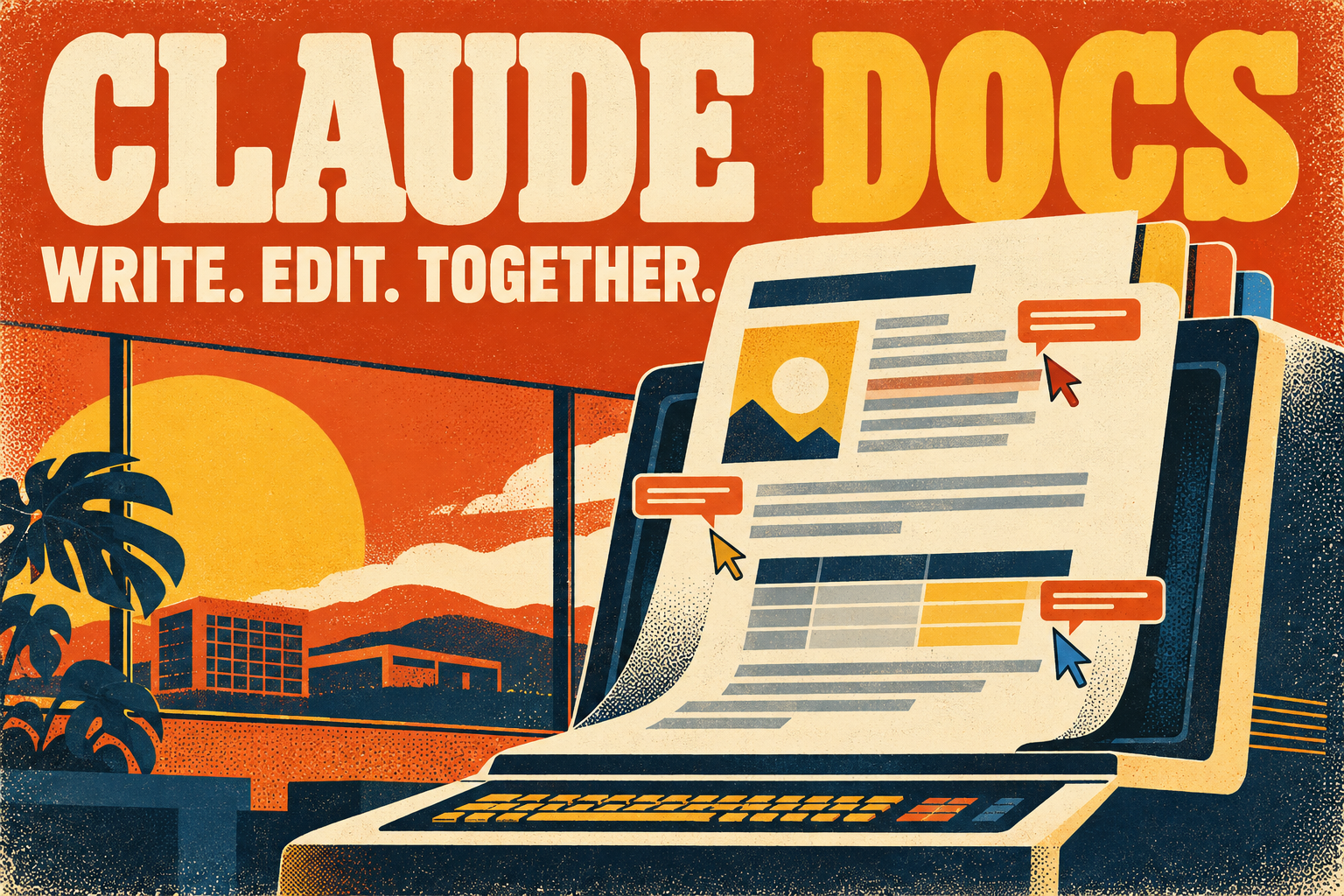
Claude Docs brings the document into that conversation. Anthropic’s collaborative rich-text editor lets you write, revise, and work with teammates inside Claude instead of treating every answer as text to paste somewhere else.
The useful shift is from generating a draft to maintaining a document people can actually work on together.
What Claude Docs is—and what it is not
Claude Docs creates editable documents with headings, tables, formatting, and optional multiple tabs. Think of the tabs as sections of a notebook rather than separate browser tabs. Documents live in the Artifacts tab, where you can reopen them from another conversation.
That is different from Anthropic’s developer documentation. If you are looking for API reference material, visit the Claude Platform documentation. This article is about the collaborative document feature inside Claude.
According to Anthropic’s September 16 introduction, Docs arrived alongside the broader unified Claude experience. The company removed the beta label on October 8, 2026.
Start with the work you already did
You can ask for a document directly in a conversation, begin with /docs, or select Output → Docs. The Artifacts gallery also offers a Docs starting point.
Claude asks clarifying questions before drafting and can leave comments explaining its decisions. Rather than starting with a blank page, it can draw on available conversation context, files, memory, projects, skills, and connected apps. What it can use depends on the context and access actually available—not everything your business has ever written.
A useful request gives it an audience, a purpose, and boundaries. For example:
Create a two-page campaign brief for our restaurant’s holiday catering offer. Use the approved menu and meeting notes attached here. Include the audience, offer, channels, responsibilities, and open questions. Do not invent prices or deadlines. Ask about missing details before drafting.
That is a better starting point than “make a marketing plan.” It tells Claude what success looks like and makes gaps visible before they become polished-looking mistakes.
Three ways to revise the same document
There is no need to choose between manual editing and AI revisions:
- Edit directly. Click into the text and type. Changes save automatically.
- Ask in chat. Request a shorter introduction, a revised outline, or another section.
- Comment on a passage. Select text and mention
@Claudein a comment. Claude can respond in that thread and make the requested change.
Teammates with edit access can work in the same document simultaneously. Claude acts with the permissions of the person making the request; asking through a view-only account does not create editing rights.
For teams, the opportunity is more specific feedback. “Explain what this deadline depends on” attached to the actual sentence is easier to resolve than a separate message saying “the schedule needs work.”
A living document is not automatically live data
Claude can insert charts, diagrams, graphs, and timelines, including visuals based on accessible connected data. But the Docs help guide explicitly says those visuals do not refresh themselves.
If the source spreadsheet changes tomorrow, ask Claude to retrieve the latest figures and update the chart. A shared document can still contain yesterday’s numbers.
Treat “living” as editable and maintainable—not as a promise that every embedded fact stays current without your involvement.
For a weekly report, include an “as of” date and a source reference beside the numbers. Assign someone to confirm the refresh before the report goes to clients or leadership.
Sharing: check the document’s rules, not just the link
Docs begin private. Open Share to choose access. The Docs-specific help guide describes view and edit access; it does not offer a separate comment-only role for Docs.
Its published guidance supports link sharing on Free, Pro, and Max, while Team and Enterprise Docs remain within the organization. Opening a shared document requires a Claude account. Docs also cannot be shared through email invitations under the current Docs-specific guidance.
Anthropic’s general artifact-sharing guide describes broader options for other artifact types, but explicitly lists exceptions for Docs. Availability and administrative settings can change, so check the actual Share menu before promising a client that a link will work.
For an external deliverable, exporting may be the cleaner handoff. Current export options include Word (.docx), PDF, Markdown, and Google Docs. You can also ask Claude to turn the document into a Claude Slides presentation.
Where it fits in a small-business workflow
Start with one recurring document rather than moving an entire operation at once:
- Weekly status report: combine approved updates, blockers, and next actions in a consistent format.
- Campaign brief: keep the offer, audience, schedule, and review questions together.
- Onboarding guide: turn existing process notes into something a new employee can follow, then revise it as the process changes.
- Product or service specification: separate agreed requirements from assumptions and unresolved questions.
These are suggested uses, not claims of measured productivity gains. Judge a pilot by the time required to reach an approved document—not merely how quickly the first draft appears.
Check whether reviewers can find decisions, whether the exported file looks right, and whether updating the next version is genuinely easier. Faster drafting is only one part of the job.
Plans, defaults, and usage limits
Claude Docs is available on Free, Pro, Max, Team, and Enterprise plans. It is enabled by default, with Enterprise default enablement dated October 15, 2026; organization owners can manage access. Anthropic’s product FAQ notes an exception for HIPAA-enabled organizations, so enterprise users should confirm their organization’s settings.
Creating and revising Docs counts toward normal plan usage limits. A long document built from several sources can consume more of the allowance than a short chat request. Availability across plans does not mean unlimited use.
The takeaway: keep the thinking close to the draft
Claude Docs is most interesting when the work already begins in Claude. Keeping context, questions, comments, and revisions near the document can remove an awkward handoff.
It does not remove the need for ownership. Someone still needs to verify claims, resolve disagreements, refresh figures, and decide when a document is ready to share.
Try it with a document your team updates every week. If the second and third revisions become clearer—not just faster—you have found a useful place for it.
This overview is based on Anthropic’s published documentation, checked October 23, 2026. It is not a hands-on product benchmark.
Learn more: Get started with Claude Docs · Claude Artifacts overview · October 8 availability announcement